
Extract. Transform. Generate.
Tag does it all.
Download Instructions
Download an installer for Windows or Mac. After downloading, run it as a desktop program to install Tag.
After installation you will be prompted to create an account (or login). After you create an account, Tag will launch.
If you have not already selected a plan through our checkout, then you will automatically begin a 7-day unlimited use trial of the Individual BYOK (bring your own key) plan. Note that you will need to acquire AI API key(s) directly from an AI vendor (Anthropic Claude and Google Gemini recommended) for the AI features to work.
If you have selected the Individual-Managed Plan, then you will be using Tag-Managed AI API key(s) and no extra steps are necessary for AI features to work.
You can edit/change your plan at any time by accessing the self-serve billing portal under the Account —> Subscriptions menu in Tag.

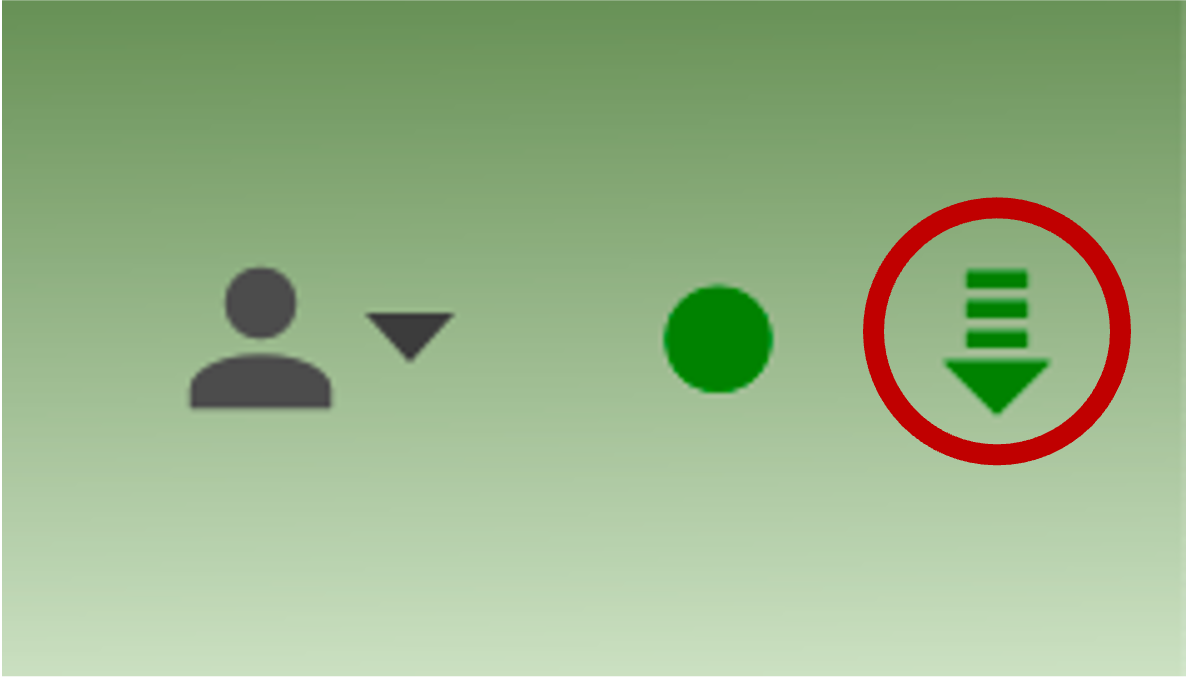
We use an auto-update mechanism to distribute new releases.
Periodically you will see an icon indicating a new release is ready to install. This screenshot of the top-right corner of Tag shows the update icon circled in red. When this icon appears, the update will occur after you next exit and restart Tag.